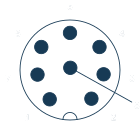
Choose the connection structure

All M8 connectors

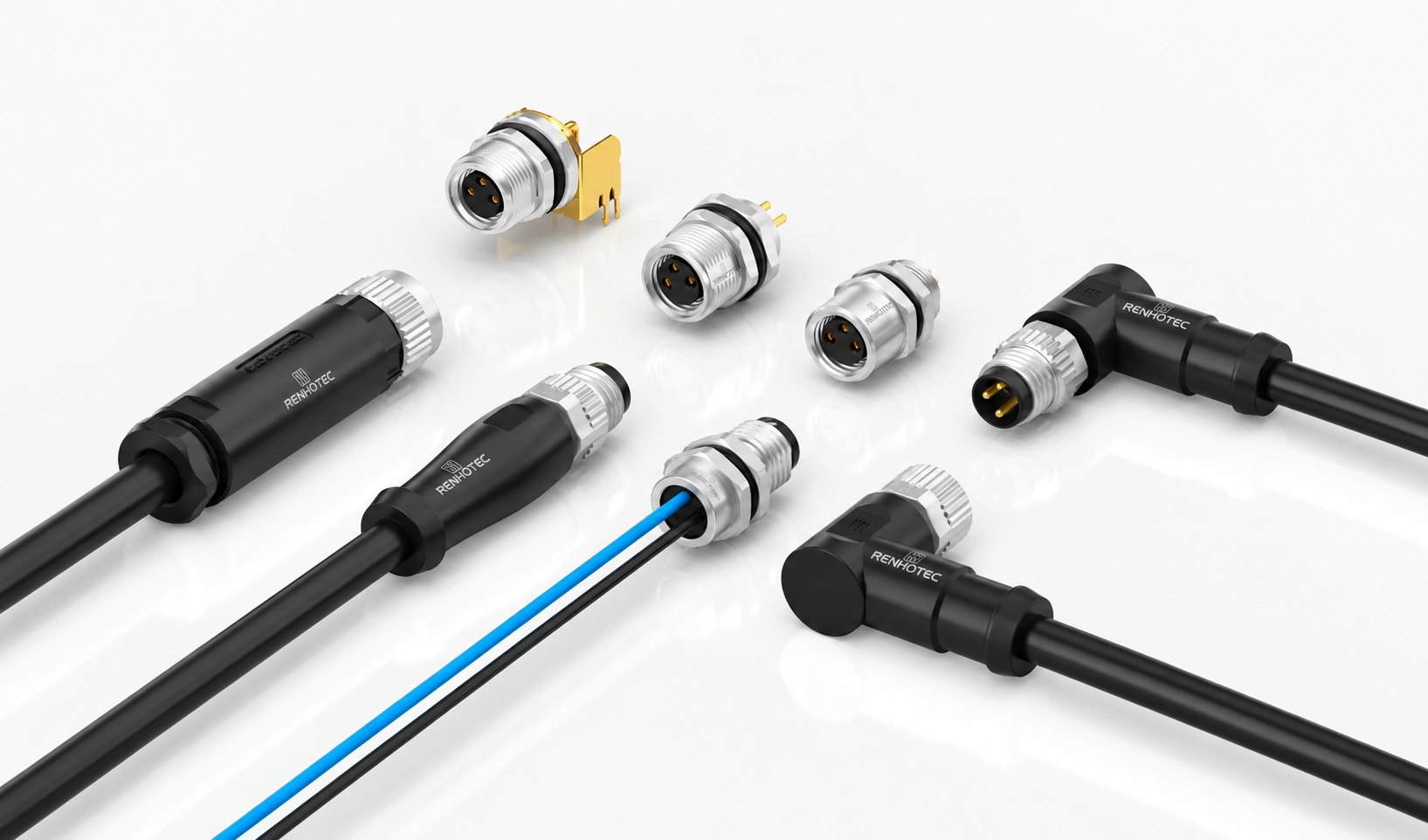
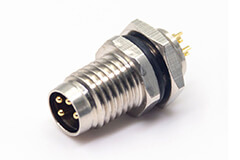
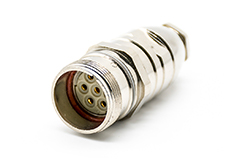
Build the connection into your equipment.

PCB or internal wiring
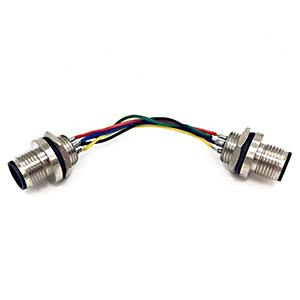
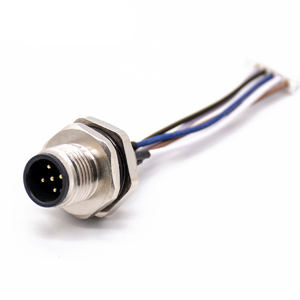
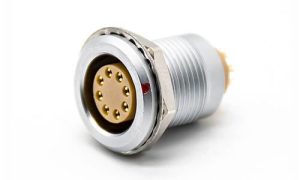
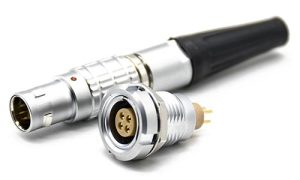
Straight and right-angle PCB tails, solder cups and wired receptacles. Choose the termination to suit the space behind the panel.
Front or rear fastening
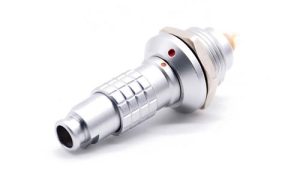
Match the installation direction, panel cutout, wall thickness and sealing face. Mounting threads vary between receptacle designs.
Male or female interface
Match the mating face first, then specify the contact count, shielding and board footprint.

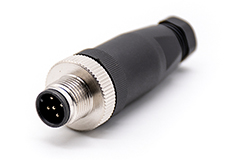
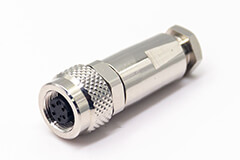
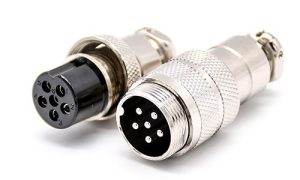
Fit the connector to your own cable.

Screw or solder contacts
Screw-terminal designs for 3 / 4 contacts; solder-cup families also cover 5, 6 and 8 contacts. Choose the actual termination before specifying the wire.
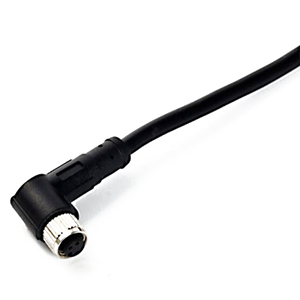
Straight or right-angle exit
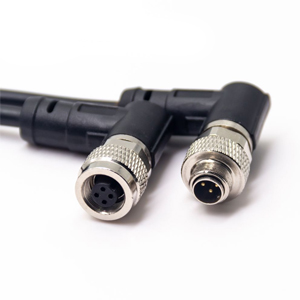
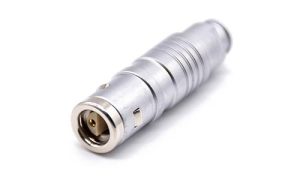
Allow room for the housing, cable bend and installation tools. Choose male or female to match the equipment port.
Cable and seal fit
Confirm conductor size, cable outside diameter and shielding. The cable gland must fit the chosen cable to seal correctly.

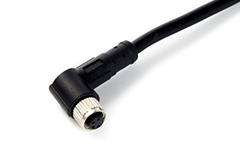
Choose a finished connection.

Free end or connector at both ends
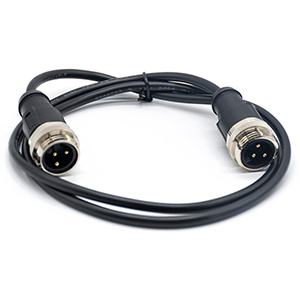
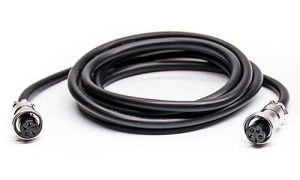
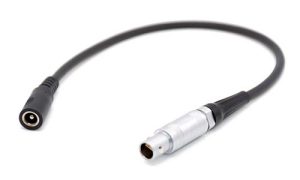
Select a single-ended lead for cabinet wiring, a double-ended cordset for a device connection, or an M8-to-other-interface cable.
Cable construction
Specify length, PVC or PUR jacket, conductor size and shielding. Add bend, motion and temperature requirements for the installation.
Pin-to-pin wiring
Provide both mating part numbers and the required circuit. Contact numbers and wire colours need to agree with the selected assembly drawing.

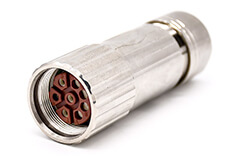
Branch a connection. Complete the installation.

Branch connections
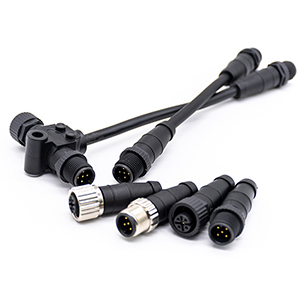
Male-to-dual-female adapters connect one interface to two branches. Define the wiring between all three ends before selecting the adapter.
T or Y construction
Compare the available routing space with the adapter drawing. Check connector orientation and access to each coupling nut.
Caps and mounting nuts
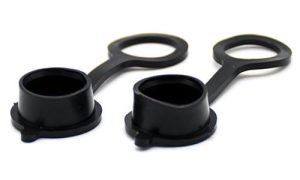
Select caps for the exposed mating interface and nuts for the actual mounting thread. Check the relevant accessory drawing.
Explore the M8 connector range
Panel mount
Field-wireable
Molded connectors
Adapters
Looking for finished cables?Browse M8 cable assemblies

Match the interface

Open M8 catalog

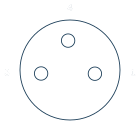
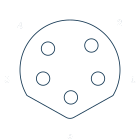
3 contacts
A-coded

Choose the mating face and contact numbers that match your equipment.

View 3-pin A-coded productsAsk about this interface

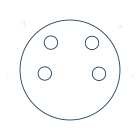
4 contacts
A-coded

Choose the mating face and contact numbers that match your equipment.

View 4-pin A-coded productsAsk about this interface

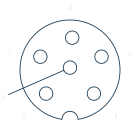
5 contacts
B-coded

Choose the mating face and contact numbers that match your equipment.

View 5-pin B-coded productsAsk about this interface

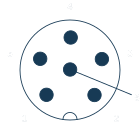
6 contacts
A-coded

Choose the mating face and contact numbers that match your equipment.

View 6-pin A-coded productsAsk about this interface

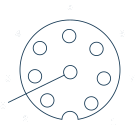
8 contacts
A-coded

Choose the mating face and contact numbers that match your equipment.

View 8-pin A-coded productsAsk about this interface

D-coded Ethernet cables

4-contact M8 connections are also available in D-coded Ethernet cable assemblies.

M8 D-coded to RJ45M8 cable range

Electrical & wire reference

RHT-634-3230 / 3231 solder-cup connectors

Male / female straight field-wireable family
Contacts Coding Current Voltage Wire
3 / 4 A 3 A 50 V AC / 60 V DC 24 AWG / 0.25 mm²
5 B 3 A 30 V 24 AWG / 0.25 mm²
6 / 8 A 1.5 A 30 V 26 AWG / 0.14 mm²

Ratings apply to this solder-cup family. Other receptacles and cable assemblies have their own specifications.

View family specification

Plan the installation

Get selection help

Panel receptacles

Panel cutout & fastening
Choose front or rear fastening. Match the cutout, panel thickness, sealing face and nut clearance to the receptacle drawing.
PCB or internal leads
For PCB tails, check the footprint, tail length and board-to-panel distance. For wired receptacles, specify lead length and internal termination.
Mounting thread
M8 × 1 describes the mating interface. The panel mounting thread can differ; use the selected part’s drawing.

Panel drawings

Field-wireable connectors

Wire termination
Choose screw terminals or solder cups, then check the permitted conductor size and preparation dimensions for that connector.
Cable gland & shielding
Match the cable outside diameter to the gland and seal. For a shielded construction, confirm how the cable screen connects to the housing.
Assembly access
Allow room for the housing, coupling nut and installation tools. Check cable exit direction before choosing straight or right-angle.

Assembly drawings

Molded cables

Route & length
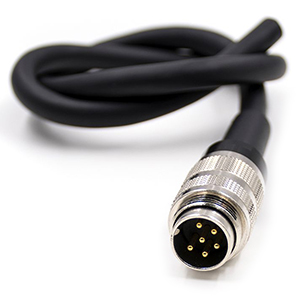
Measure the installed route, service loop and required free lead. Choose connector orientation to avoid a tight bend at the molded exit.
Cable support
Plan strain relief and clamping so the connector does not carry cable tension. Confirm bend radius and motion limits for the selected cable.
End-to-end wiring
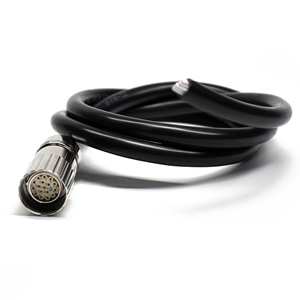
Match both mating interfaces and specify the pin map. For a free end, define stripped length and termination at the terminal block or equipment.

Cable drawings

Working with a branch adapter?

Check clearance around all three ports and the wiring between each branch.

Adapter drawings

Drawings & resources

Complete M8 catalog

Field assembly

Screw terminals, solder cups and cable entry dimensions.
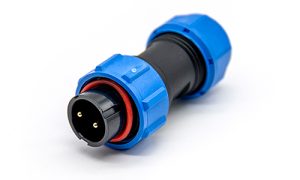
Open assembly drawings

Panel integration

Panel fastening, receptacle dimensions and PCB footprints.
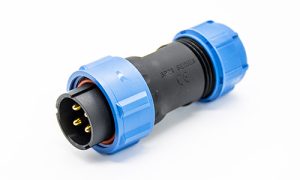
Open panel drawings

Wiring & cordsets

Contact-to-wire references, wired receptacles and molded cables.

Open wiring & cable drawings

Branch adapters & installation accessories

T / Y adapter drawings, protective caps and mounting nuts.

Let’s select your
M8 connection.

Have a mating part, a drawing or an installation problem?

Tell us what needs to connect. Include the interface, mounting space and electrical requirements so we can check the right construction.

  1. Mating interfaceExisting part number or a clear connector-face photo.
  2. ConstructionPanel receptacle, field assembly, cable or branch adapter.
  3. Project requirementsDrawing, wiring, quantity and any environmental constraints.

Request a selection & quote


    Up to 3 files · PDF, JPG or PNG · 5 MB per file.