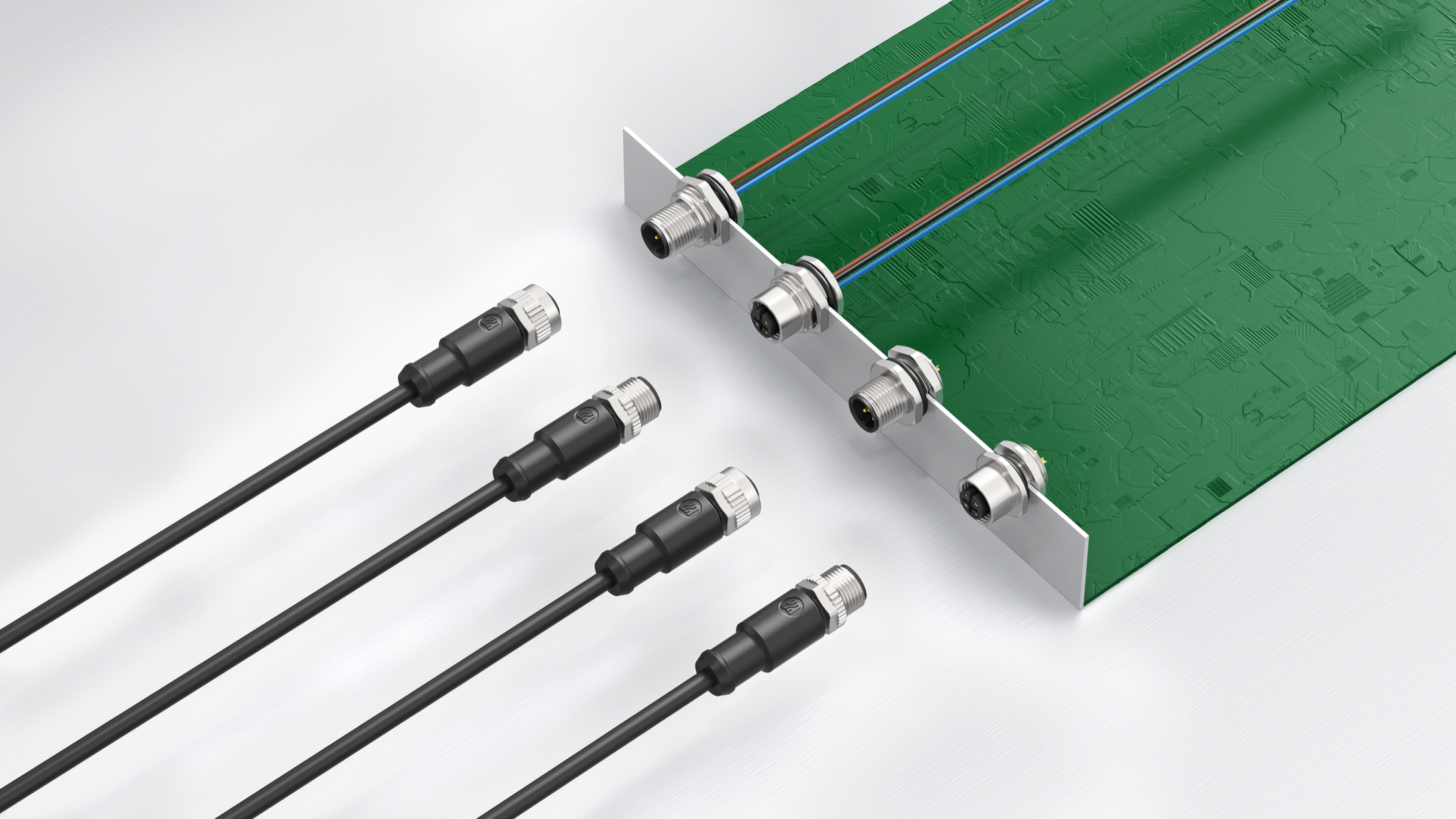
M12 Cable
Assemblies

Explore cables Custom quote

Choose your connection

Browse all M12 cables

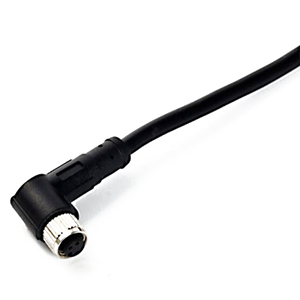
Connect a device to your own wiring.

Connector end
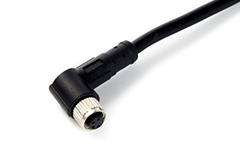
Male or female; straight or right-angle. Match the coding and contact count to the device.
Free end
Specify stripped length, conductor identification and termination at the cabinet or terminal block.
Cable choice
Specify PVC or PUR jacket, shielding, conductor size and the required cable length.

Choose both ends of the connection.

Gender & orientation
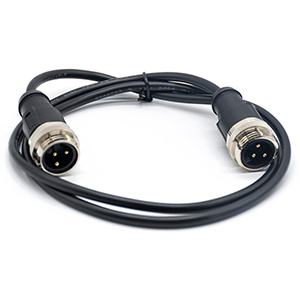
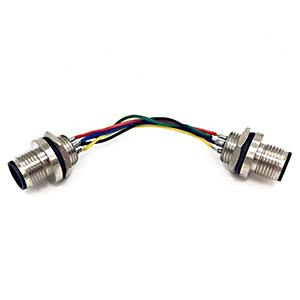
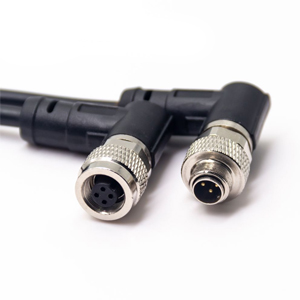
Choose male–female, male–male or female–female ends, then straight or angled orientation at each end.
Pin-to-pin wiring
Identify each contact at End A and End B. Matching contact counts do not establish the wire map.
Different series
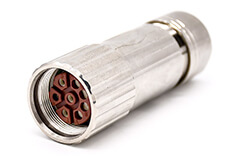
M12-to-M8 and M12-to-M16 assemblies connect different interfaces. Define the pin assignment at both ends.

Match the equipment interface and wiring.

RJ45 connections
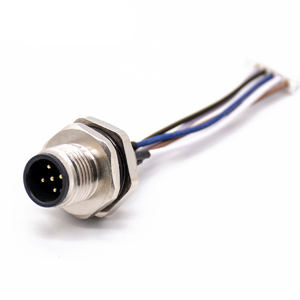
Choose a cable-mounted or panel-mounted M12 end. Define coding, cable category, shielding and the RJ45 pin assignment.
USB & D-sub
USB-A, USB-C and D-sub terminations require the equipment interface and pin assignment, as well as the M12 end.
Other interfaces
For GX12, MINI DIN or SATA, specify the device model and wiring at the second connector.

Define every branch, not just the main connector.

Connection layout
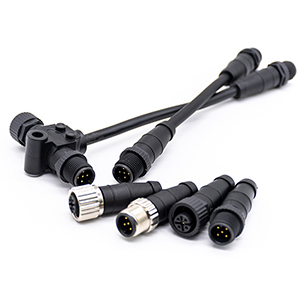
T and Y constructions serve different connection layouts. Identify the main end and every branch end.
Branch dimensions
Specify trunk length, breakout location and each branch length, including orientation and clearance.
Wiring & termination
Provide the signal distribution and any required termination. These cannot be inferred from the connector shape.
Already have a part number or drawing?Start with that. We can help complete the missing details.

Get selection help

Find cables by interface

Help me identify my connector

A-coded

Signal cables

Select the contact count and each mating end; specify the wire assignment separately.

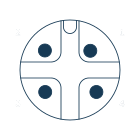
A-coded 4 contacts Female, catalog contact layout
Female
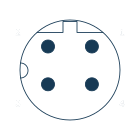
A-coded 4 contacts Male, catalog contact layout
Male
B-coded

5-contact interface

Match the B-coded keyway to the device and include its pin assignment with your cable requirements.

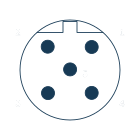
B-coded 5 contacts Female, catalog contact layout
Female
B-coded 5 contacts Male, catalog contact layout
Male
D-coded

4-contact interface

For M12-to-RJ45 connections, define the M12 keyway, shield connection and RJ45 pin assignment.

D-coded 4 contacts Female, catalog contact layout
Female
D-coded 4 contacts Male, catalog contact layout
Male
X-coded

8-contact interface

Specify cable category, pair construction and shield termination together with the connector.

X-coded 8 contacts Female, catalog contact layout
Female
X-coded 8 contacts Male, catalog contact layout
Male
L-coded

Power cables

Define the power contacts, protective conductor, wire gauge and load at the equipment interface.
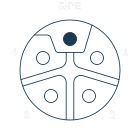
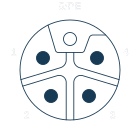
L-coded 4+PE Female, catalog contact layout
Female
L-coded 4+PE Male, catalog contact layout
Male

Describe your cable in 3 steps

Download cable checklist

M12 to M8 cable assembly
End ACableEnd B

Have a drawing? Send it with your request

1

Identify both ends

Check connector interfaces

2

Set the cable length

Add cable & installation requirements

3

Add the wiring or a part reference

Help me choose

Drawings & technical resources

M12 catalog

Single-ended cables

Straight male / female dimensions, contact layouts, shielding and cable ordering options.

View pp. 55–56

Double-ended & device cables

M12 pairs, USB and D-sub constructions; D-coded M12-to-RJ45 dimension examples.

View pp. 63–65

Your assembly specification

A two-page fillable PDF for both ends, cable construction, wire map and quantities.
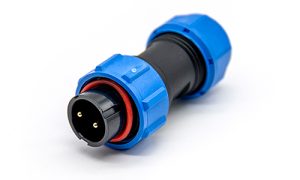
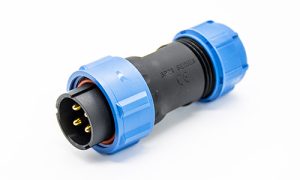
Download checklist

Need the final pin-to-pin map or an approval drawing for your assembly?

Request a project drawing

Custom quote & selection help

Tell us what
you need to connect.

A part number, equipment interface or drawing is a useful starting point. You can leave uncertain details for review.

  • Match an existing cable or mating connector
  • Specify different ends, lengths or wiring
  • Review a panel harness or branch assembly

Prepare your cable requirements

Useful files

Existing cable drawing, connector pinout, device interface drawing or a photo of the label and connector face.

Your cable requirement


    Add assembly details Optional +

    Up to 3 files · PDF, JPG or PNG · 5 MB per file.